Contacts
With the Contacts module on, customers become Brevo contacts. They're sent after the response whenever the customer, its default address or one of its orders changes (billing address, checkout, payment or cancellation), from the shop, the admin, the API or the CLI. Guests become contacts from the checkout addressing step on.
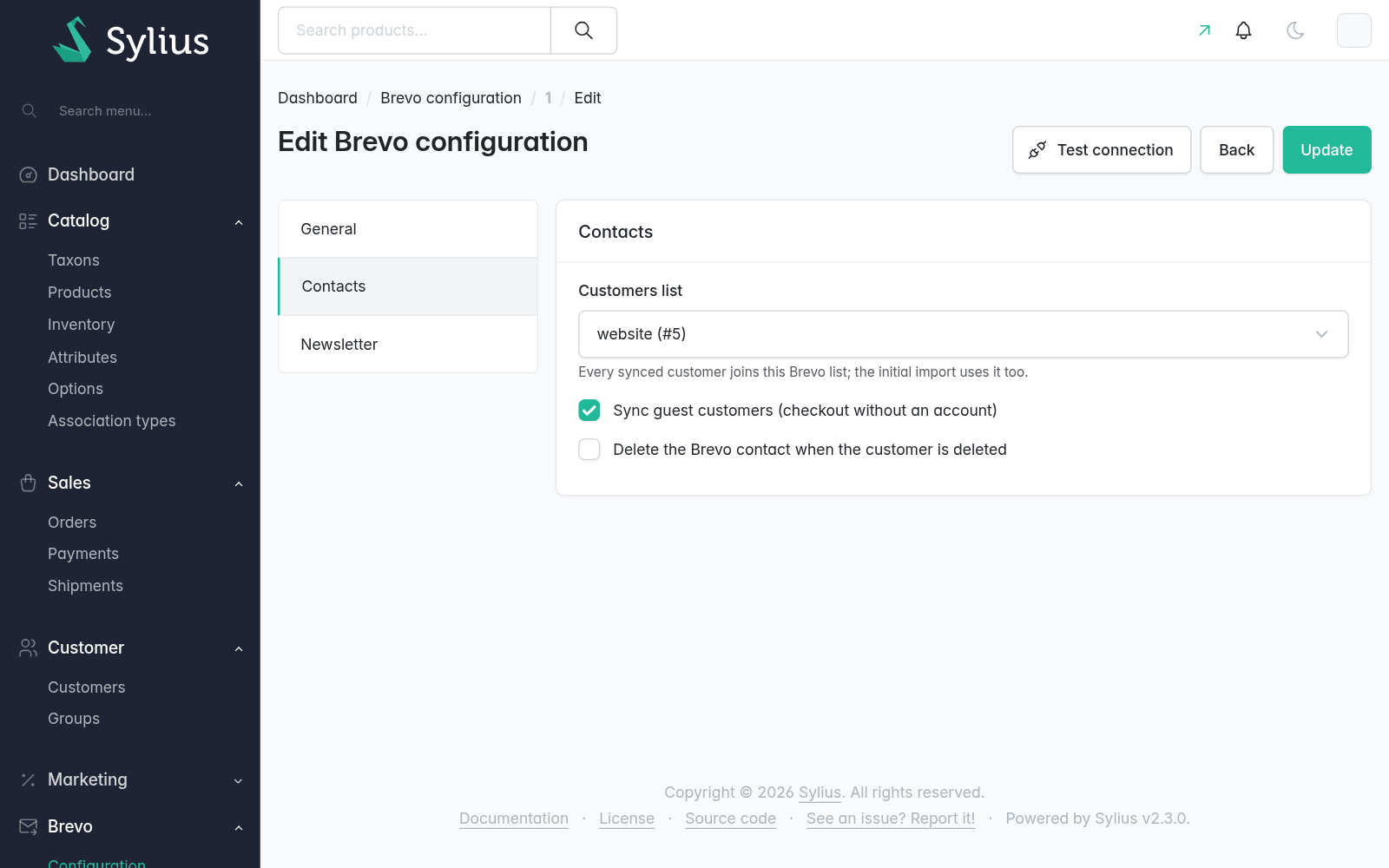
How a customer becomes a contact
- The contact's
ext_idis the customer id, so an email change updates the same contact. Contacts that already existed in Brevo are linked by email. - Customers without an account (guest checkouts) are synced too, unless the channel turns it off.
- Deleting a customer deletes its contact only when the channel says so.
- A customer is sent once per Brevo account: channels sharing an API key share contacts.
- Names, phone and address come from the customer, then its default address, then the billing address of its latest order (guests have no other).
- Unknown values are not sent, so Brevo keeps what it had.
- With a customers list chosen in the channel configuration, every synced contact joins it.
- With a newsletter list, subscribers join it too (see Newsletter).
Attributes
| Key | Brevo attribute | Type |
|---|---|---|
first_name, last_name | FIRSTNAME, LASTNAME | text |
phone | SMS (E.164) | text |
gender, customer_group, channel, locale | same key uppercase | text |
birthday | BIRTHDAY | date |
city, province, country, postcode | CITY, PROVINCE, COUNTRY, ZIP_CODE | text |
orders_count, total_spent, average_order_value | same key uppercase | number |
first_order_date, last_order_date | same key uppercase | date |
Only the attributes the account has are sent (the rest are logged as missing). Create them once per account:
bin/console odiseo:brevo:attributes:setup --dry-run
bin/console odiseo:brevo:attributes:setup
Rename or skip attributes for every channel:
odiseo_sylius_brevo:
    contacts:
        attributes:
            first_name: NOMBRE
birthday: falseMapping attributes per channel from the admin comes with Brevo Pro, the paid add-on of this plugin. One price, perpetual license, every Pro module included. See Brevo Pro →
With Pro, each channel lists its contact data with the Brevo attribute it goes to, editable by the marketing team. See Contact attributes.
Importing existing customers
Once after installing, or to catch up:
bin/console odiseo:brevo:contacts:sync --dry-run
bin/console odiseo:brevo:contacts:sync [--channel=WEB] [--since=2026-01-01] [--only-subscribed]
It uses Brevo's bulk import into the channel's customers list, plus the newsletter list for subscribers (or everyone into --list=ID), in batches of --batch-size (1000), and waits for Brevo to process them unless --no-wait is given. In an import every contact takes the account's first channel as CHANNEL; later changes set the right one.
Extending
- Add your own attributes with a service implementing
ContactAttributeProviderInterface, taggedodiseo_brevo.contact_attribute_provider. - To map per channel in code, decorate
odiseo_brevo.contact.attribute_mapping(AttributeMappingInterface). - To apply customer changes that come from Brevo without syncing them back, run them (flush included) inside
ContactSyncPauseInterface::pause().