Webhooks Pro
This page is about Brevo Pro, the paid add-on of this plugin. One price, perpetual license, every Pro module included. See Brevo Pro →
Brevo tells Sylius about the changes made on its side, per channel:
| Brevo event | In Sylius |
|---|---|
| Unsubscribe from a campaign | The customer leaves the newsletter |
| Contact deleted | The customer leaves the newsletter |
| Contact added to the channel newsletter list (e.g. by a Brevo form) | The customer joins the newsletter |
| Transactional email delivered, opened, clicked, bounced, blocked… | The status of the sent email |
These changes are not synced back to Brevo. contactUpdated is left out: Sylius keeps owning the customer data.
Registering them
Use Register webhooks in Brevo > Configuration (the marketing one needs the Contacts module, the transactional one the Transactional emails module), or for every channel:
bin/console odiseo:brevo:webhooks:register # --channel=CODE, --dry-run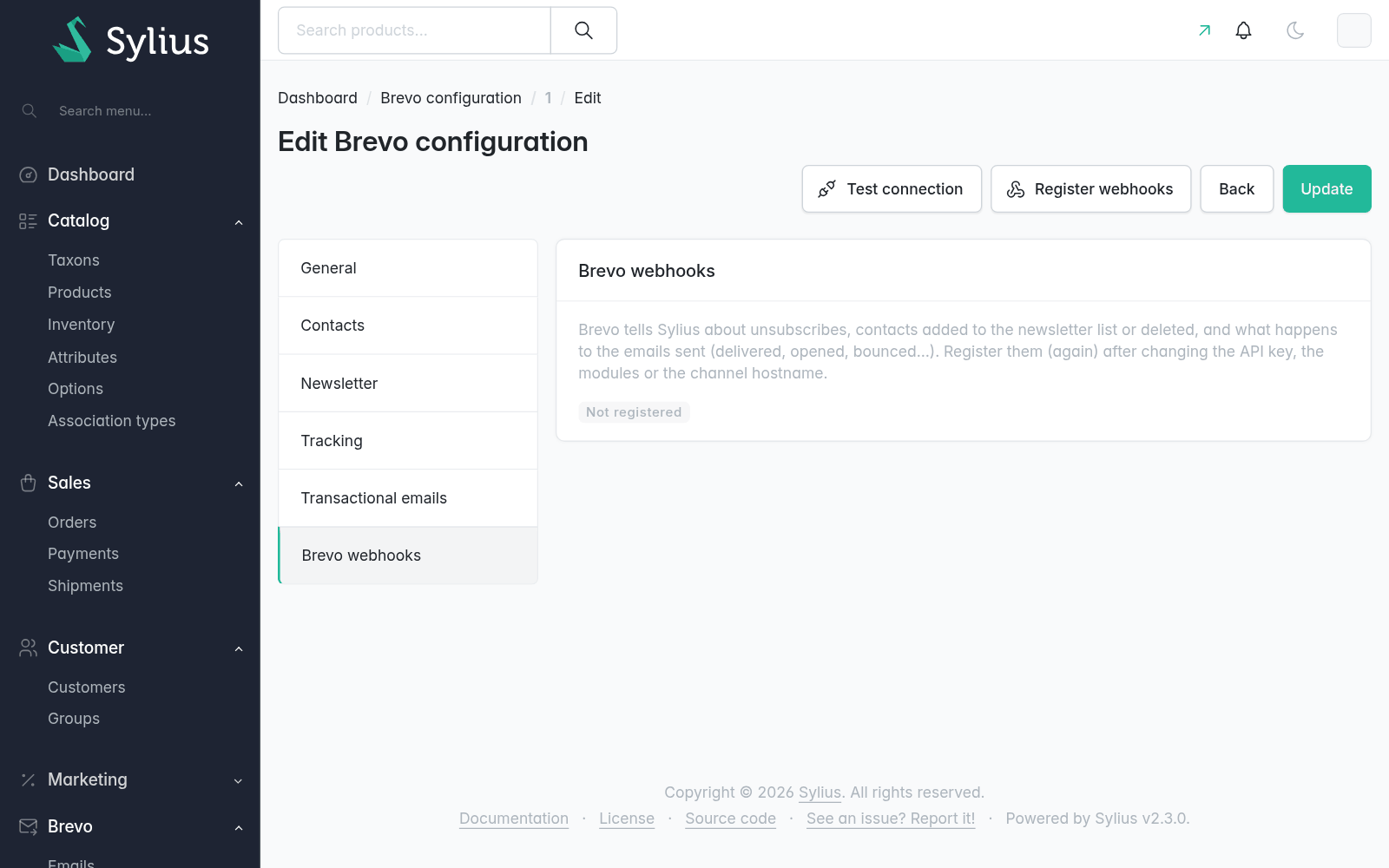
Brevo then calls https://<channel hostname>/brevo/webhook/<channel code>/<marketing|transactional> with a bearer token (only its hash is stored). Register them again after changing the API key, the modules or the channel hostname: the previous ones are replaced.
Events are stored once (Brevo may send them twice) in odiseo_brevo_pro_webhook_event and applied after the response.
Restricting by IP
Optionally, accept only Brevo's IPs (see Brevo's documentation for its ranges):
odiseo_sylius_brevo_pro:
    webhooks:
        allowed_ips: ['203.0.113.0/24']
Extending
- Handle more events with a service implementing
WebhookEventHandlerInterface, taggedodiseo_brevo_pro.webhook_event_handler. - Register more webhook types with a
WebhookDefinitionInterfacetaggedodiseo_brevo_pro.webhook_definition.