Your first channel
Each Sylius channel has its own Brevo configuration: its API key, its default sender and the modules it turns on. A channel without a configuration, with a disabled one or without an API key sends nothing to Brevo.
Add the configuration
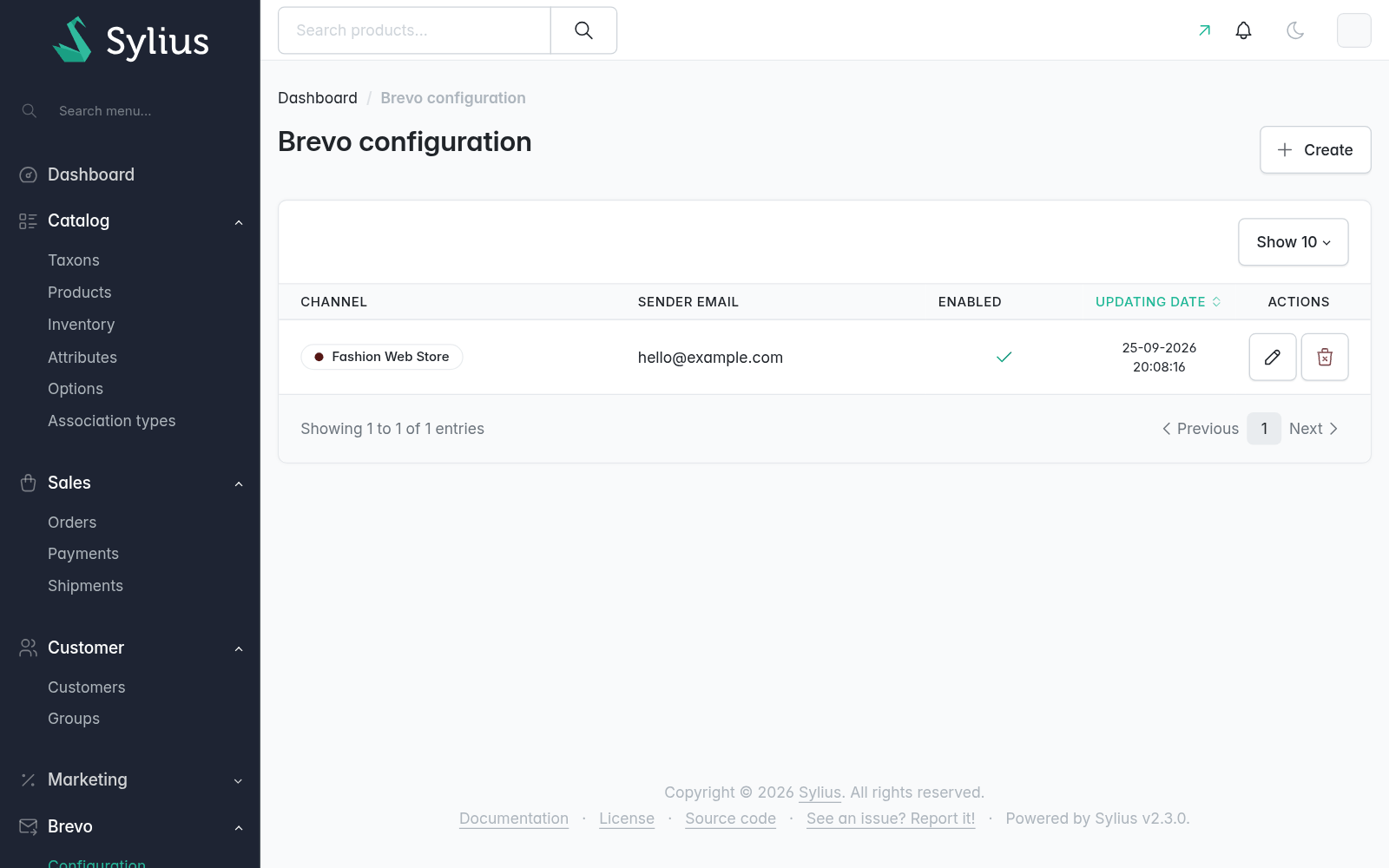
Go to Brevo > Configuration in the admin and create one for the channel:
- Paste the API key of the Brevo account (Brevo > SMTP & API > API keys). It's stored encrypted and never shown again: leave the field blank to keep it.
- Set the default sender, for the emails Brevo sends on behalf of the channel (Pro transactional emails). Optional otherwise.
- Turn on the modules you need.
- Save, then click Test connection.
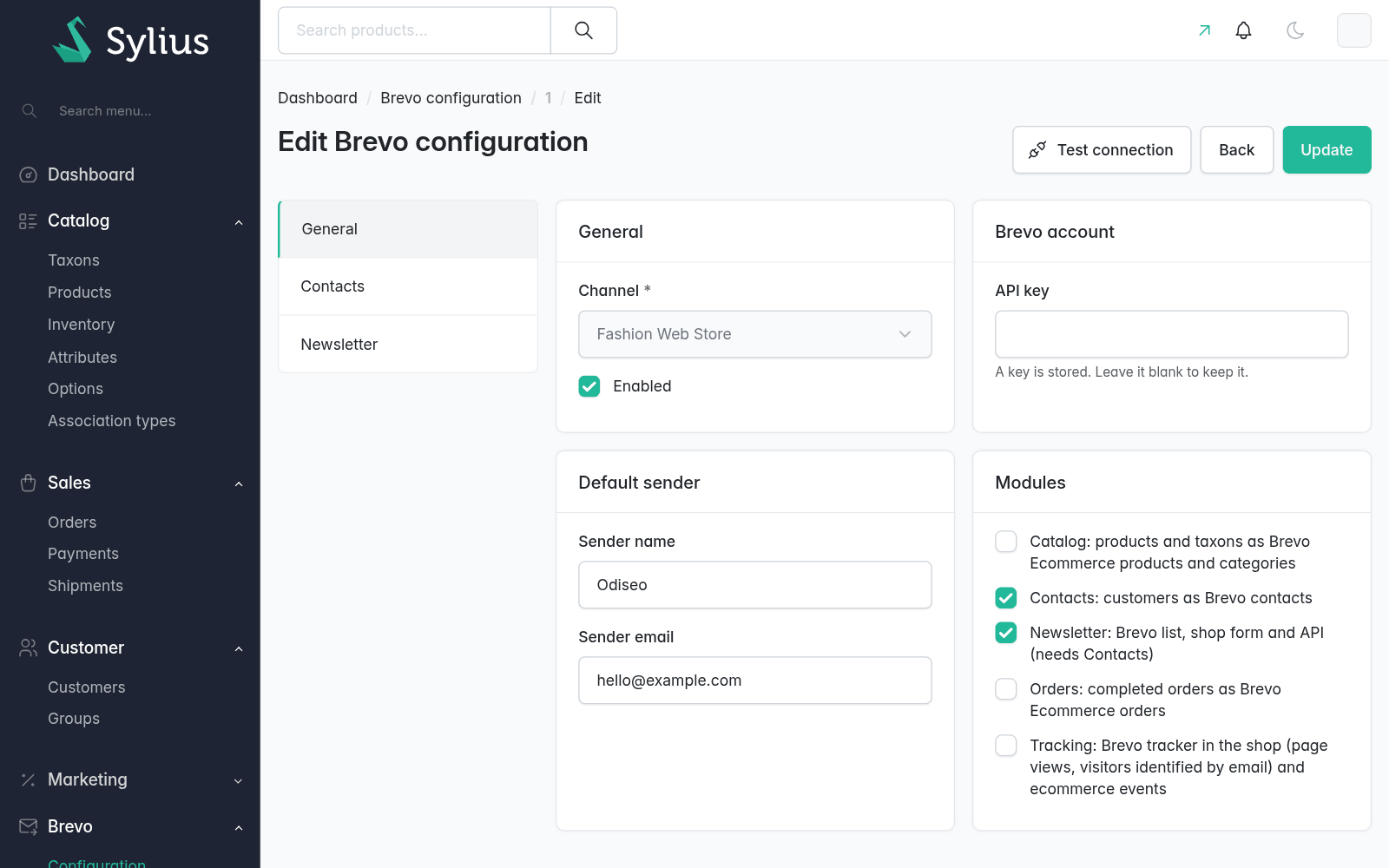
A module's tab (Contacts, Newsletter, Tracking…) shows up once the module is saved on.
| Module | What it does | Needs |
|---|---|---|
| Contacts | Customers and guests as Brevo contacts | |
| Newsletter | A Brevo list, a shop form and an API for subscriptions | Contacts |
| Catalog | Taxons and product variants in Brevo Ecommerce | |
| Orders | Completed orders in Brevo Ecommerce | |
| Tracking | The Brevo tracker and the shop events | |
| Transactional emails Pro | Sylius emails with Brevo templates |
A fallback API key for every channel without its own can come from the configuration:
odiseo_sylius_brevo:
    api:
        key: '%env(BREVO_API_KEY)%'
Load what you already have
Changes are sent as they happen. To send what the store had before installing, run every sync of the modules that are on, in order (categories, products, contacts):
bin/console odiseo:brevo:sync --dry-run
bin/console odiseo:brevo:sync
With Pro and the Orders module on, the past orders go last.
Several channels, one account
Channels can share a Brevo account (the same API key). They then share its contacts, its catalog and its currency: a customer is sent once per account, and amounts are shown in the base currency of the first channel configured with the catalog or orders module. See Currencies.